How to Enable the Announcement Strip?
Last updated: July 8, 2025
Enabling Announcement Strips in the App
In this process, you will learn how to activate and customize announcement strips in your application. Announcement strips are useful for displaying important messages or promotions, such as sales or updates, directly within the app interface. Follow these steps to successfully add and publish your announcement.
Step 1
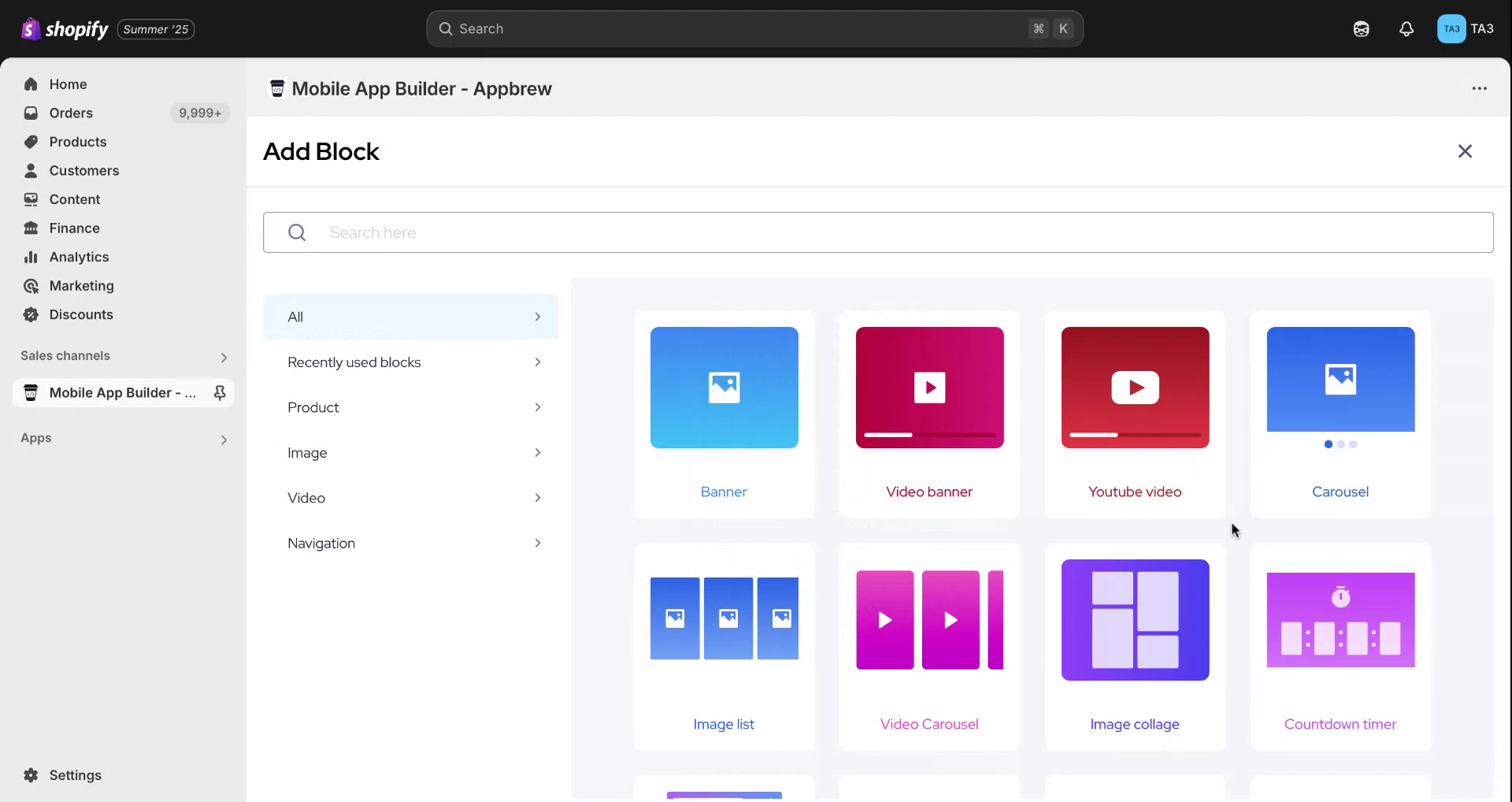
Begin by hovering your mouse over the app screen. Click on the "Add" button to reveal all the native blocks supported within the app.
Step 2
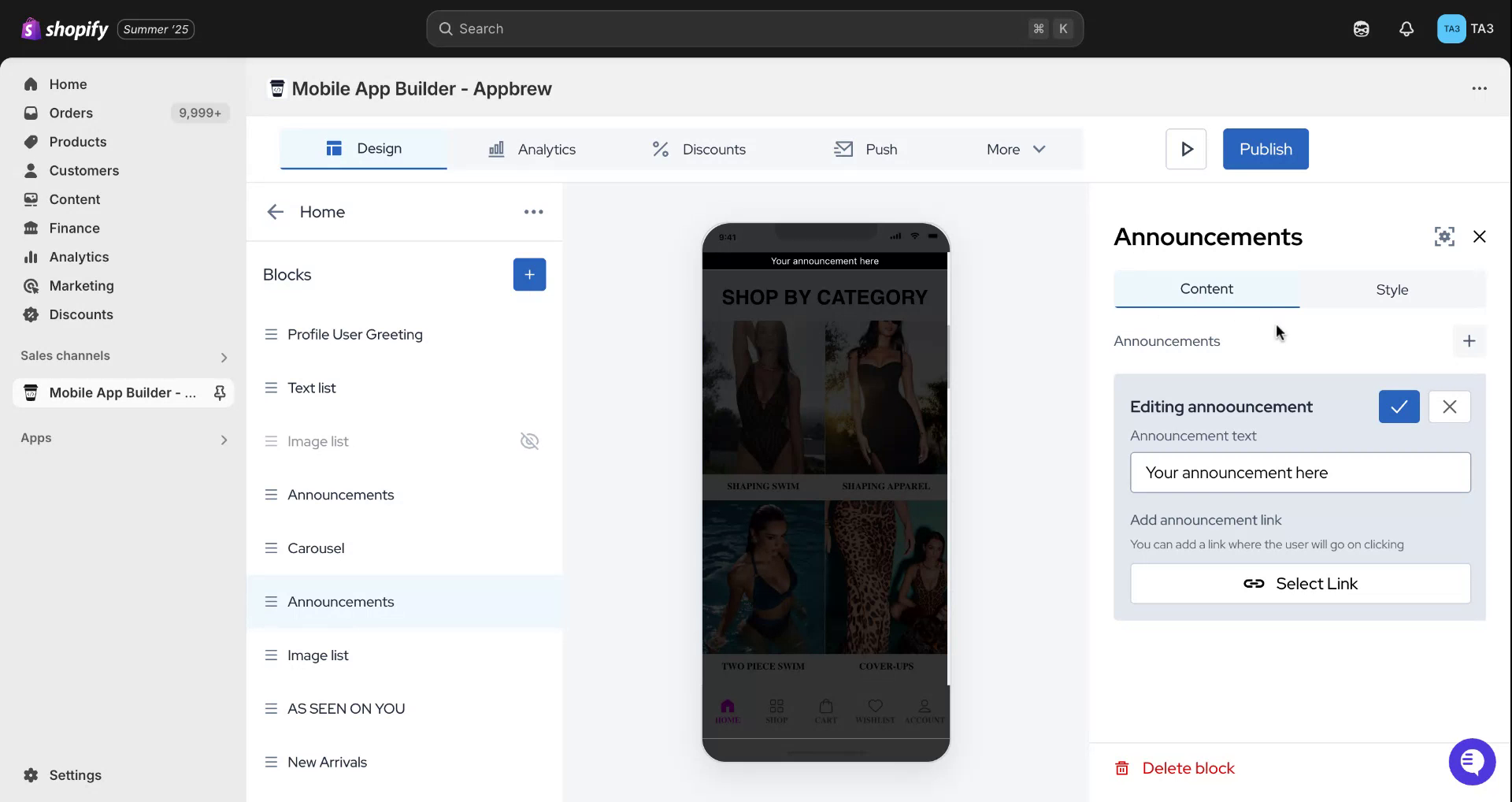
In the search bar, type "announcements" and select "Add Block." Once the block is added, you will have the option to edit and compose your announcement. For demonstration purposes, we will input "Black Friday sale coming soon."
Step 3
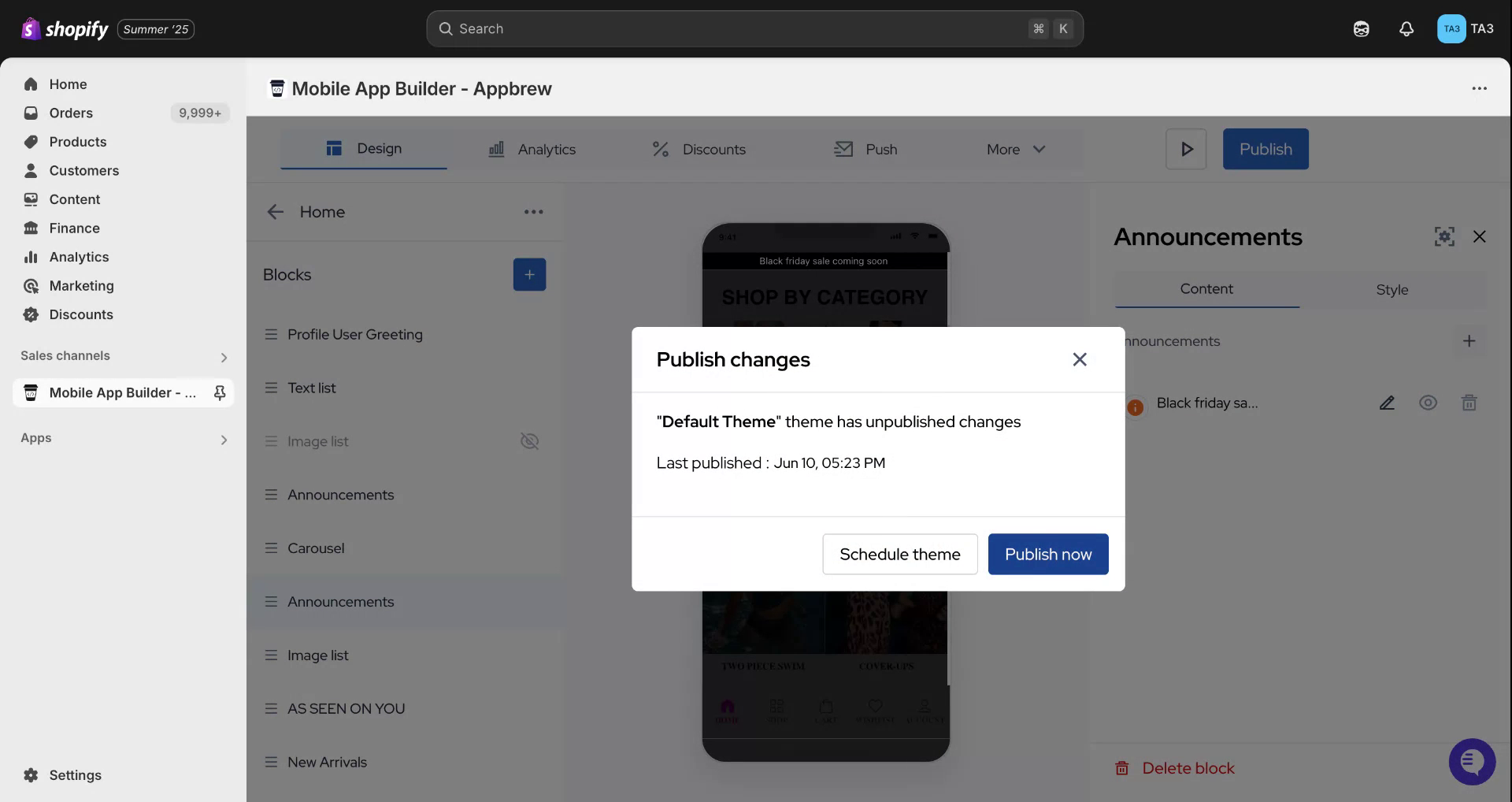
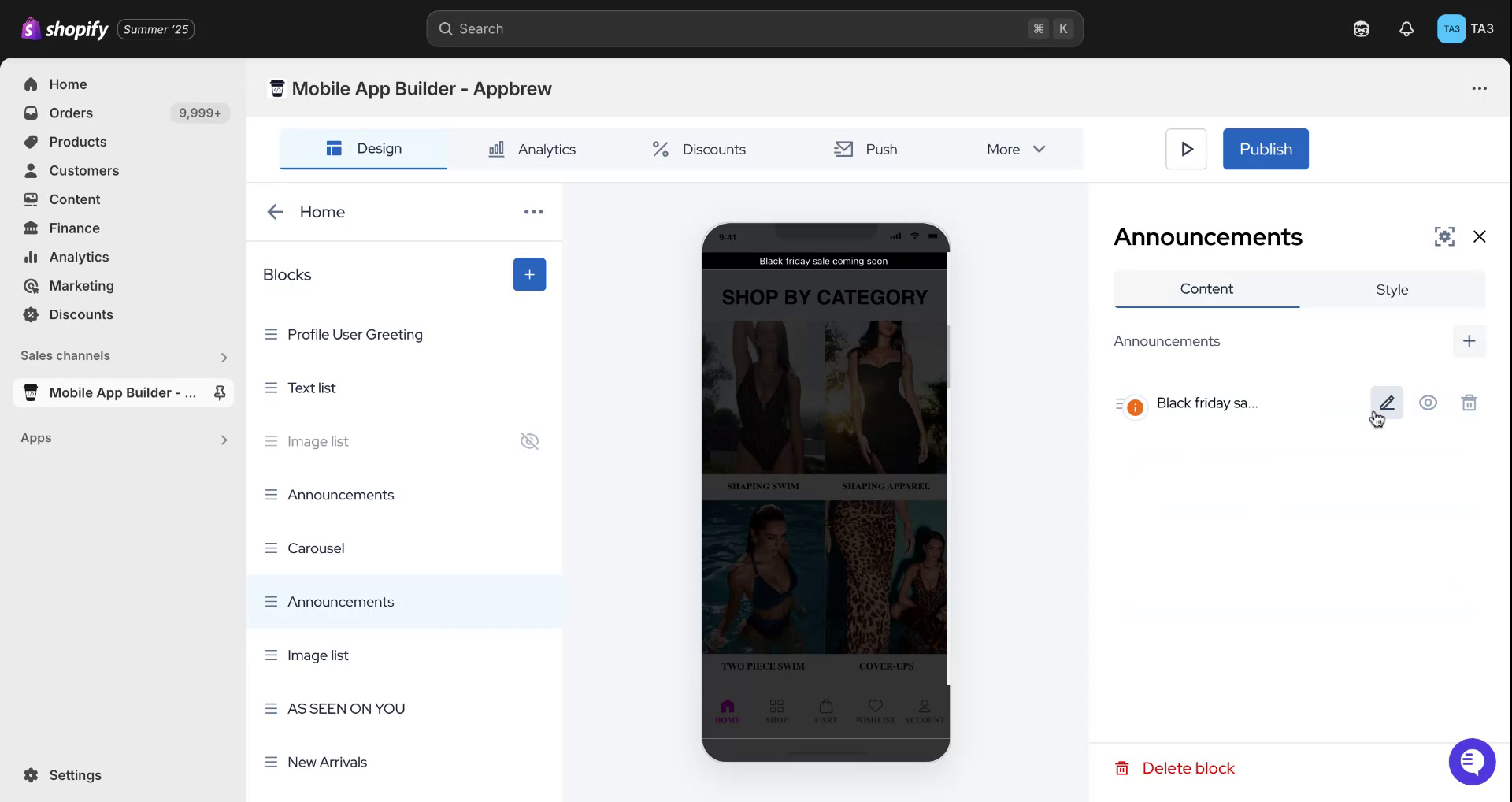
After entering your announcement, click the "Confirm" button to finalize your entry. To make the announcement live in the app, select the "Publish" button.
Step 4
We hope this guide has been helpful.