How to enable a YouTube video in the app?
Last updated: July 8, 2025
Enabling a YouTube Video in Your Application
This document provides a simple process to integrate a YouTube video into your application. By following these steps, you can easily enable and display a YouTube video block, ensuring seamless integration for your users.
Step 1
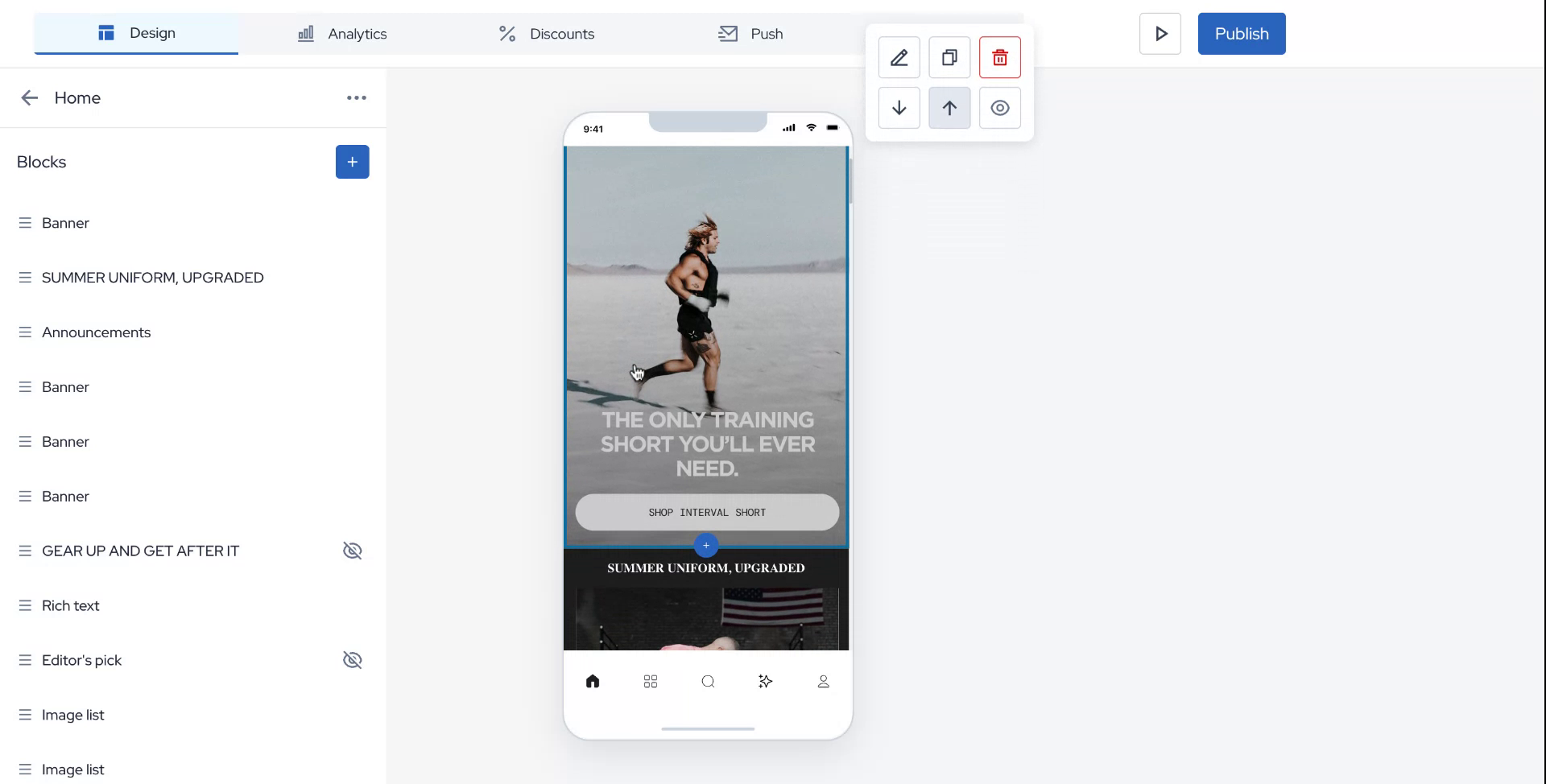
Begin by hovering your mouse over the interface and clicking on the plus icon to initiate the process of adding a YouTube video block.
Step 2
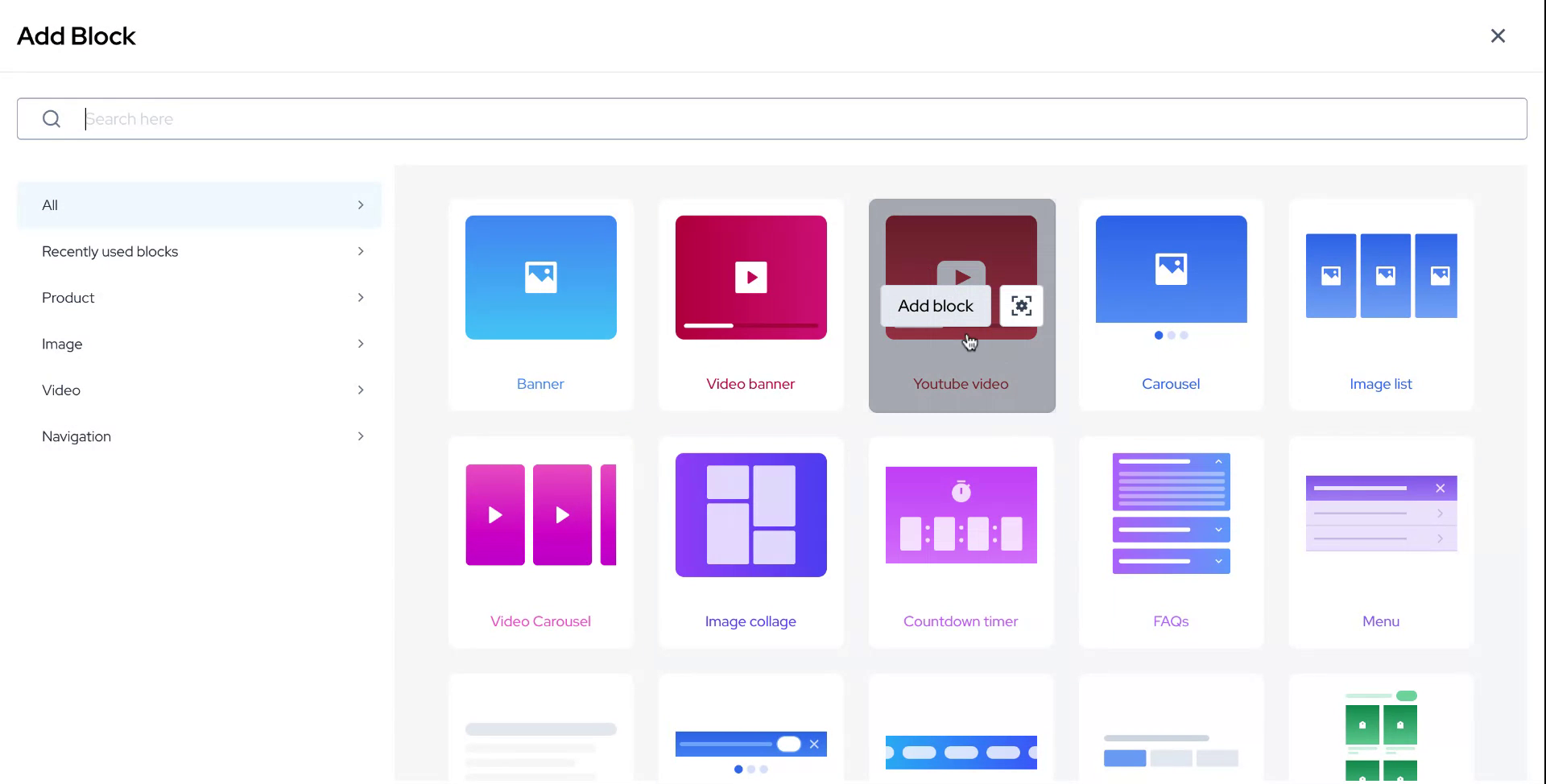
After clicking the plus icon, navigate to the YouTube video block option and select "Add Block."
Step 3
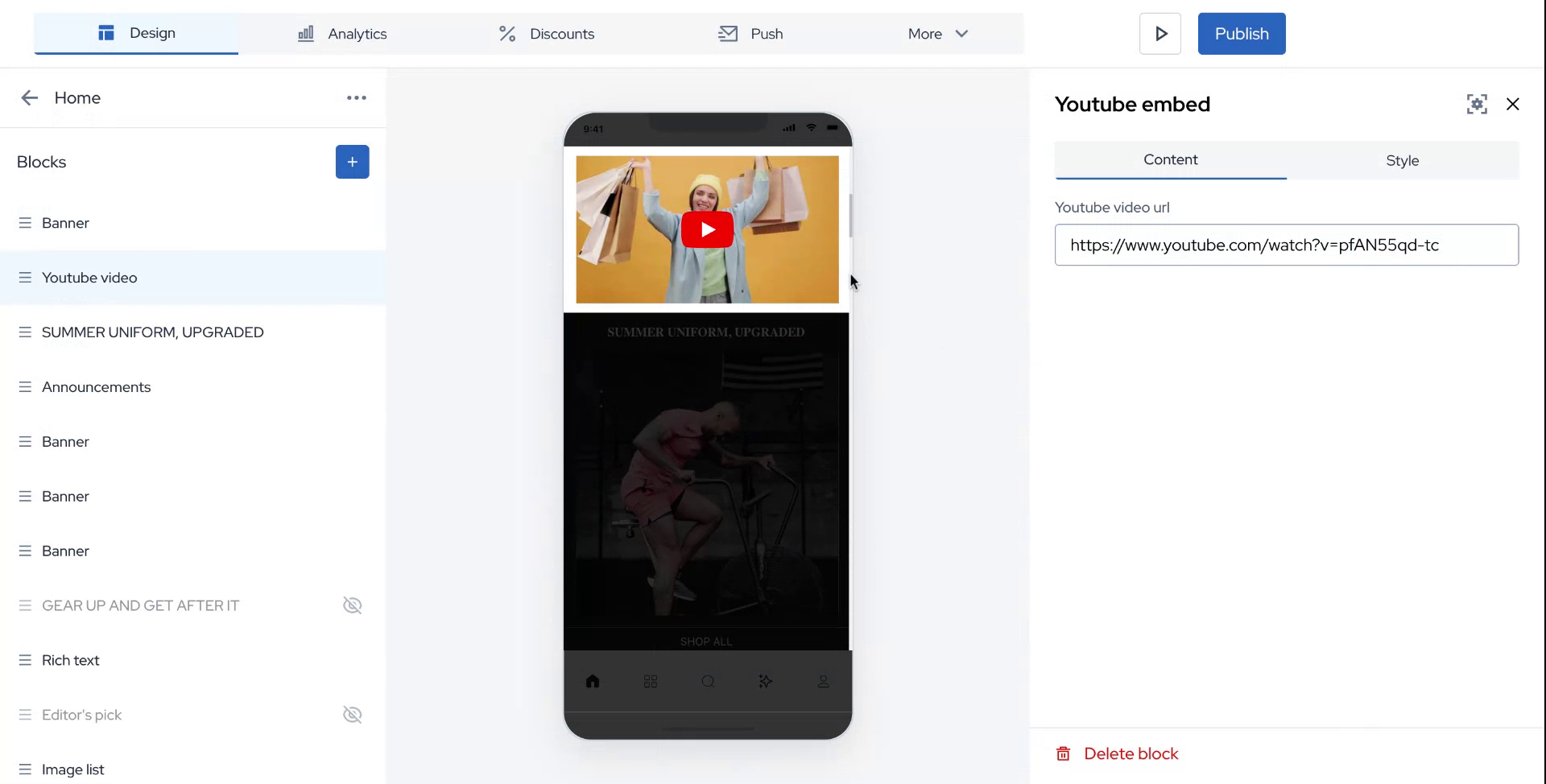
To activate the video, copy the URL of your desired YouTube video and paste it into the designated area.
Step 4
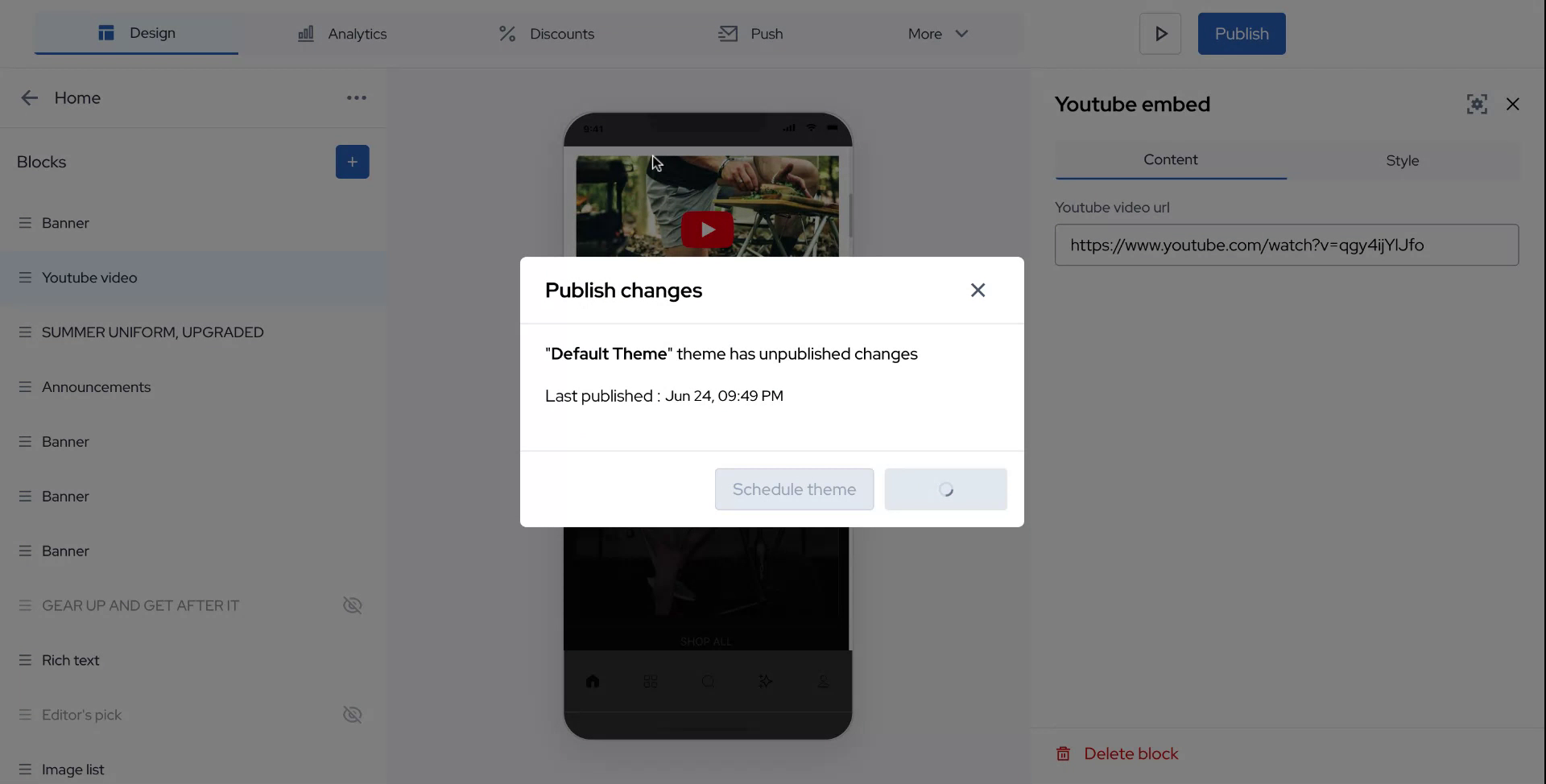
Once the URL is entered, click on "Publish" to complete the integration process.
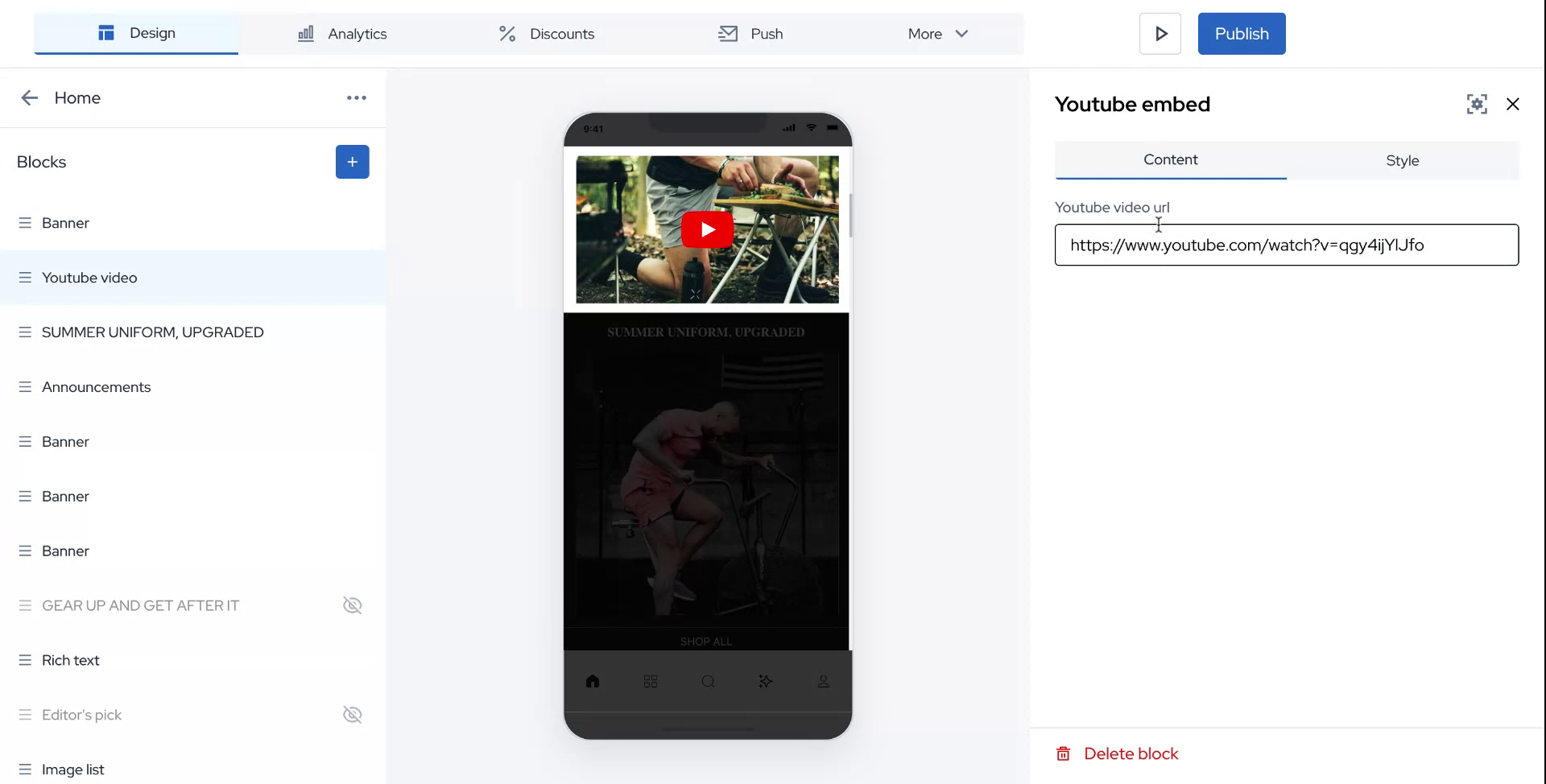
Step 5
Congratulations! Your YouTube video is now successfully enabled and available within your application.