Push Subscription Prompt
Last updated: August 11, 2025
Push notifications are a direct and effective way to stay connected with your customers. However, many users skip or deny notification permissions when first prompted by the system. This feature is designed to help recover those missed opportunities.
By proactively showing a customized prompt at session start (for users who haven’t yet subscribed), merchants can gently remind users of the value they’ll receive — like promotions, updates, or rewards — and guide them through enabling push notifications. This approach increases opt-in rates and ensures that your audience stays engaged over time.
Getting Started
Help merchants increase the number of users who allow push notifications by showing a friendly and guided prompt every time someone opens the app — until they subscribe.
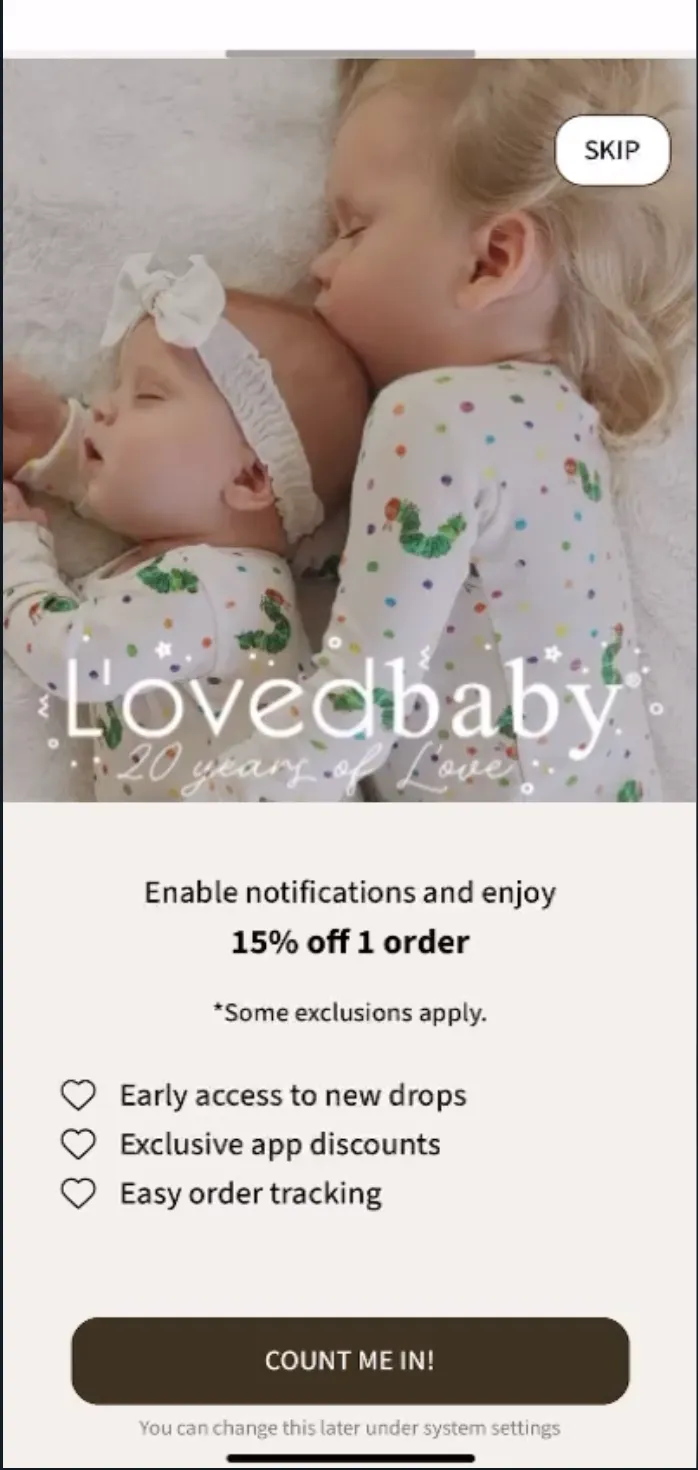
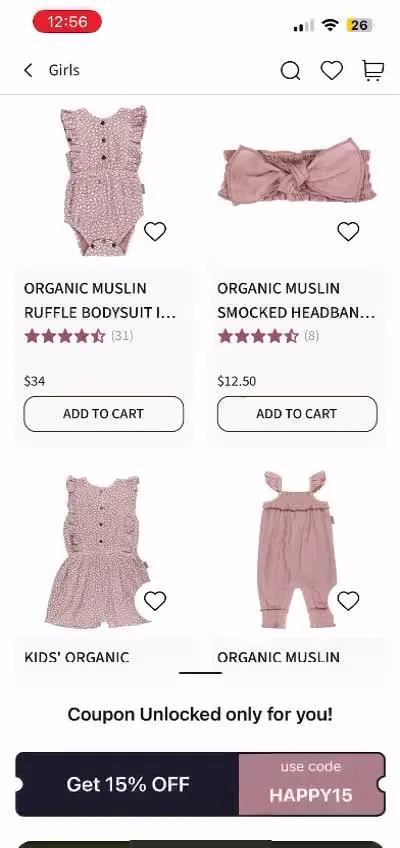
How It Works:
Prompt Appears at App Launch
If a user hasn’t allowed push notifications yet, a simple button appears when they open the app. The message can be something like: “Turn on notifications to get exclusive offers.”
User Taps the Button
If they say yes and allow notifications, they’re taken to a thank-you screen or special offer (you choose where).
If they’ve blocked notifications before, they’re shown a help screen that explains how to turn them on manually.
Help Screen with Step-by-Step Instructions
A clear checklist guides users through how to turn on notifications in their phone settings.
You can customize the messaging on this screen too — including offering a reward like “Tap here after enabling to claim 10% off.”
After users return from settings, the app checks again:
If notifications are now on, they go to your success screen.
If not, the help screen is shown again.