How to track traffic split and conversion performance between different Android app versions
Last updated: January 20, 2026
If you're running a staged rollout with different versions of your Android app and want to analyze how traffic is distributed between versions and their respective conversion performance, you can use Google Analytics 4 (GA4) to filter and compare the data.
Filtering analytics by app version in GA4
To measure the performance of different app versions and track traffic split, follow these steps in your GA4 dashboard:
Select the filter option on the GA4 dashboard
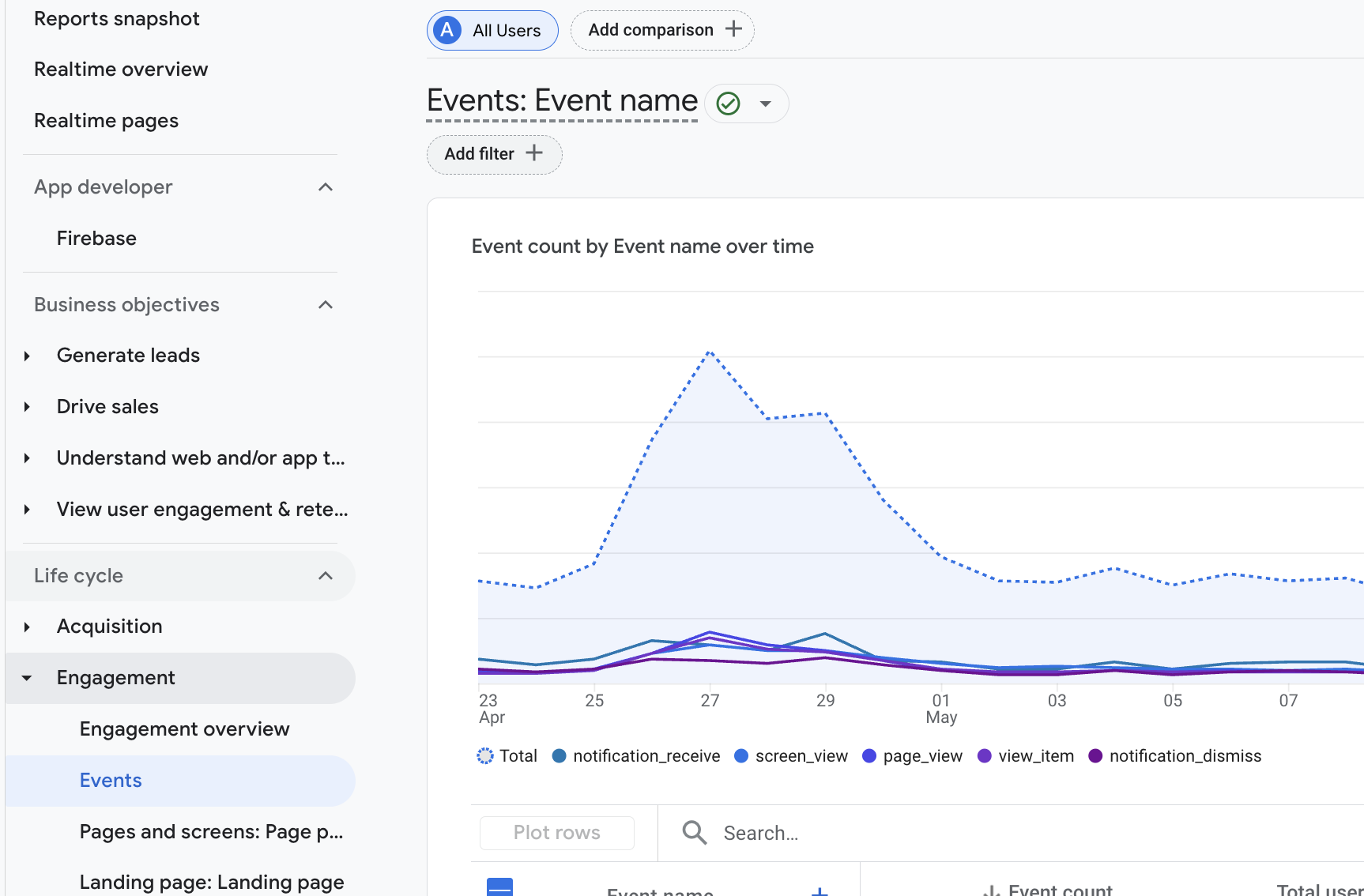
Select App version as a dimension
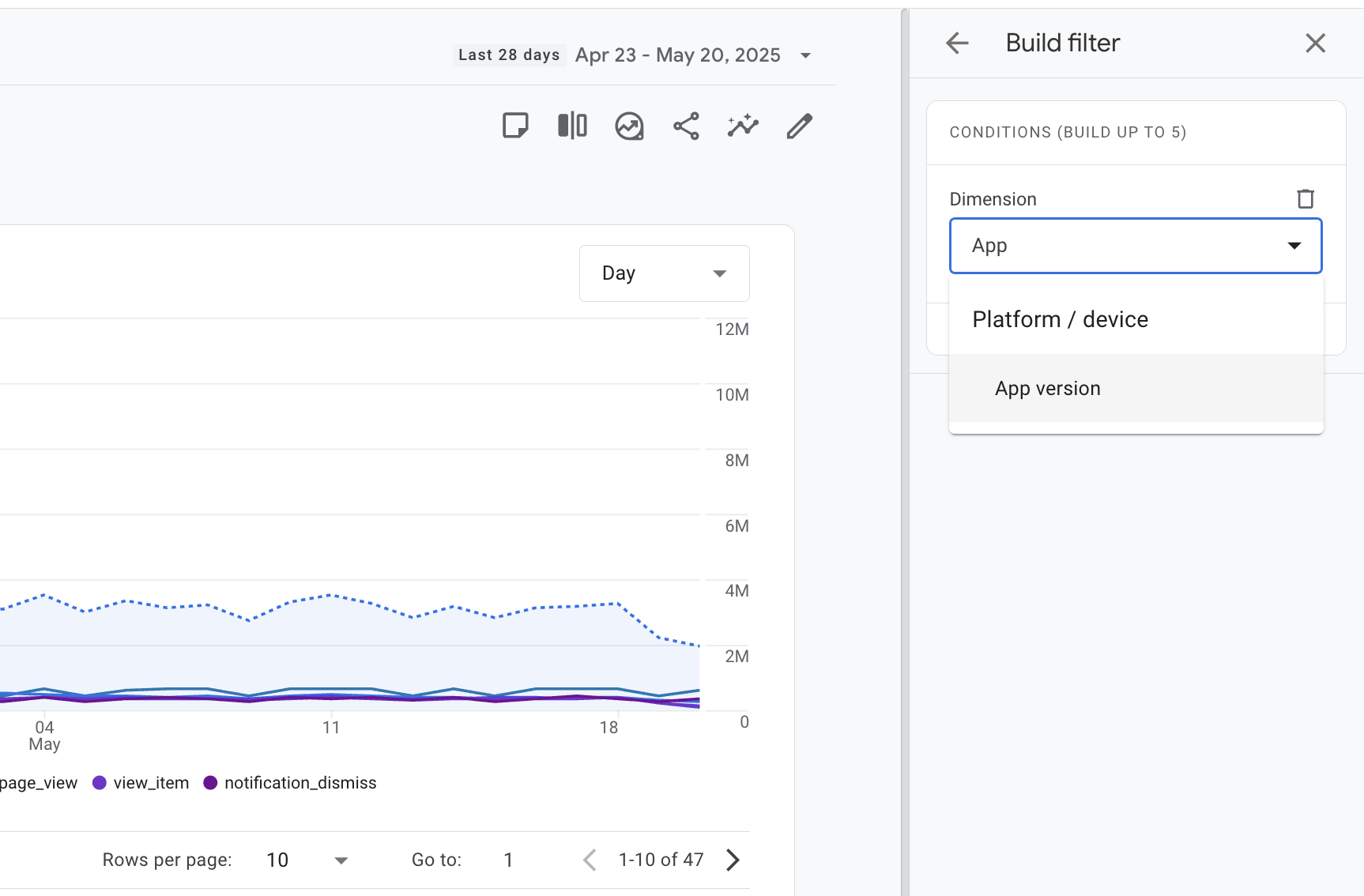
Choose the specific app version you want to analyze
The dashboard will now display analytics data filtered only for your selected app version
Analyzing traffic and conversion data
Once you've applied the app version filter, you'll be able to see:
Traffic data - How much traffic each app version is receiving on a daily basis
Conversion performance - How effectively each version converts traffic into orders
You can repeat this process for each app version you want to compare, allowing you to evaluate the performance differences between your old and new app versions during your staged rollout.
This approach works for any staged rollout scenario, whether you're comparing different checkout systems, feature sets, or other app variations across your user base.