How to enable Automated push notification?
Last updated: July 10, 2025
Enabling Automated Push Notifications
In this process, you will learn how to enable and configure automated push notifications. The following steps will guide you through setting up the notification parameters, customizing messages, and adding additional options for a seamless user experience.
Step 1
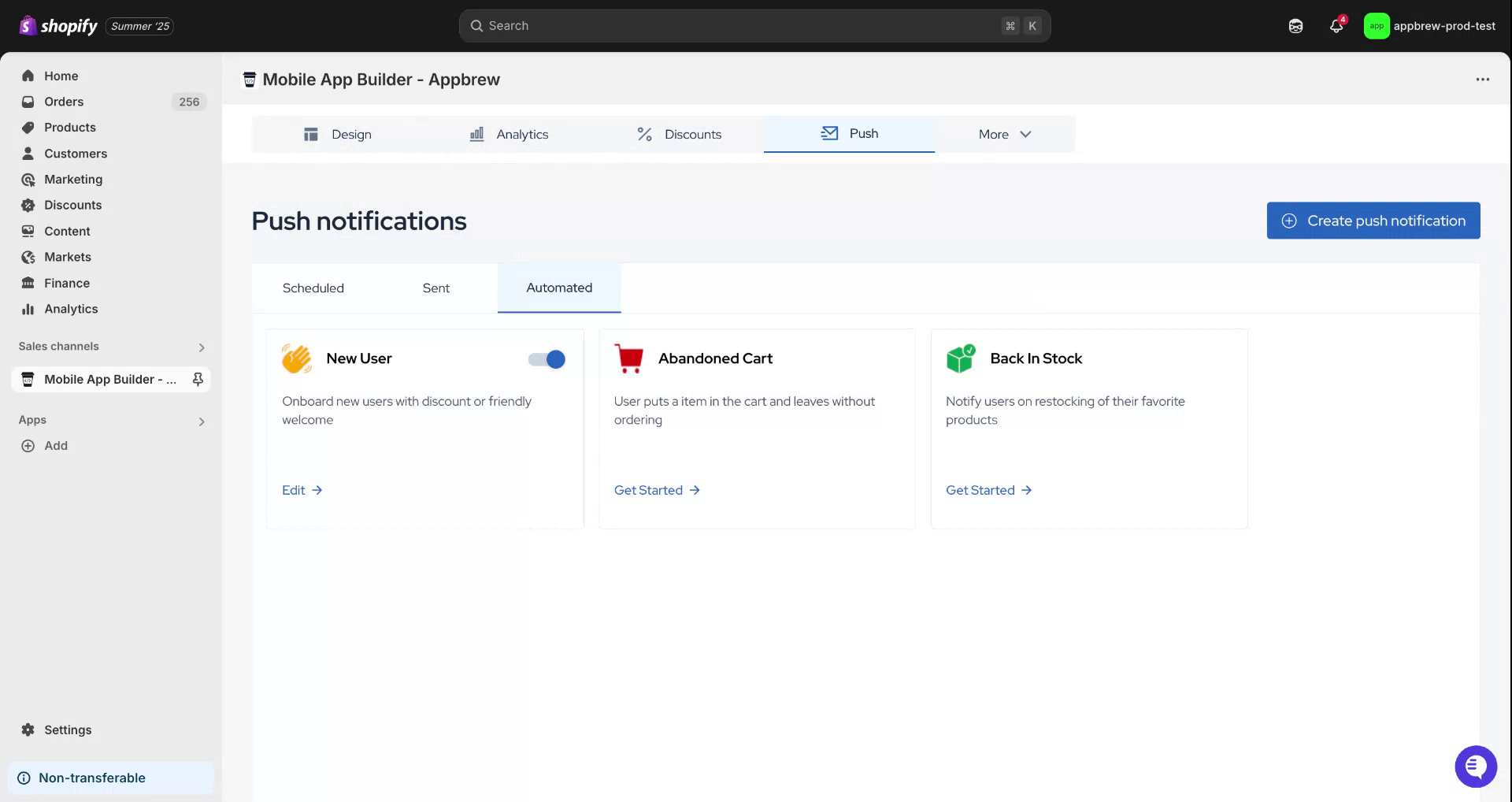
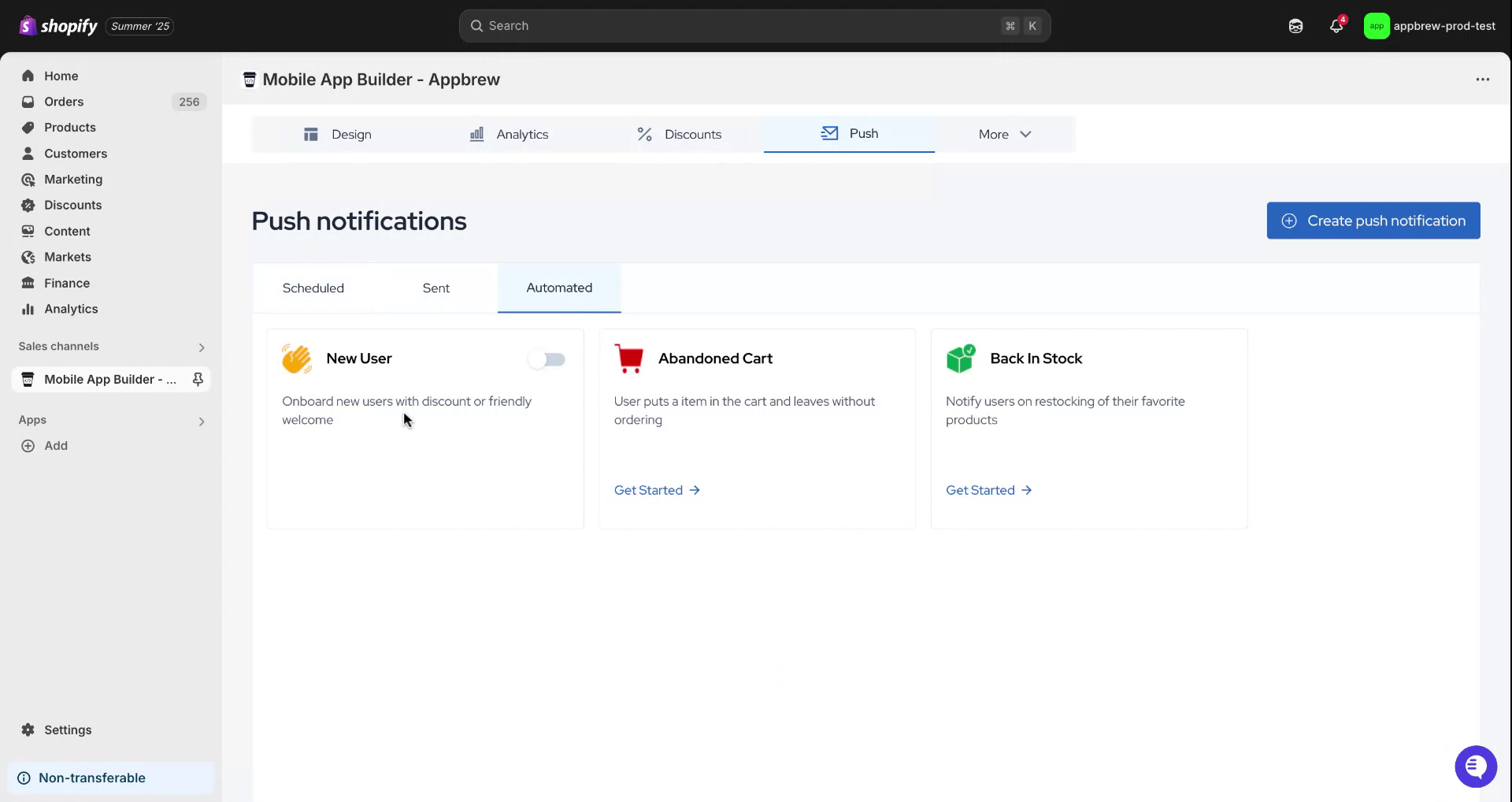
Begin by hovering over the push icon and clicking on it. Once you have done this, select the 'Automated' option and proceed by choosing 'New Users'.
Step 2
You will see either a 'Get Started' button or an icon. Click on it. The options you can configure will be prefilled. Specify a notification delay, which is the time after which you want to notify the users.

Step 3
Set the notification timer. In this example, we will select 15 minutes. You also have the option to edit the title of the notification.

Step 4
Customize the message you wish to display to your users. Additionally, you can include notification images and links that redirect users when they click on the push notification. After completing these steps, click 'Submit' to finalize the setup.

Step 5
We hope you found this information helpful.