Shopify Search
Last updated: July 20, 2026
Fast, native product search and filtering, built into your app
1. What is it?
Shopify Search is a built-in search experience that helps your customers find what they’re looking for faster, right inside your app. It pulls product data straight from your Shopify store and shows real-time results, predictive suggestions, and easy-to-use filters as shoppers type.
Because it runs on your live Shopify data, anything you update in Shopify — products, pricing, inventory, new collections — is reflected in the app’s search instantly, with no separate sync to manage.
In the app, your customers get:
Instant, predictive results as they type — products, collections, blog posts, and pages
Filters by availability, price, brand, category, tags, or custom fields from your store
In-stock accuracy, so they don’t land on unavailable products
A search experience that matches what shoppers already see on your website
2. Which plans is it available on?
Shopify Search is available on the Starter, Pro and Enterprise plan.
3. What’s needed to enable it?
For Appbrew to integrate with Shopify search, Merchant need to ensure search and discovery app is downloaded in the shopify backend for configuration.
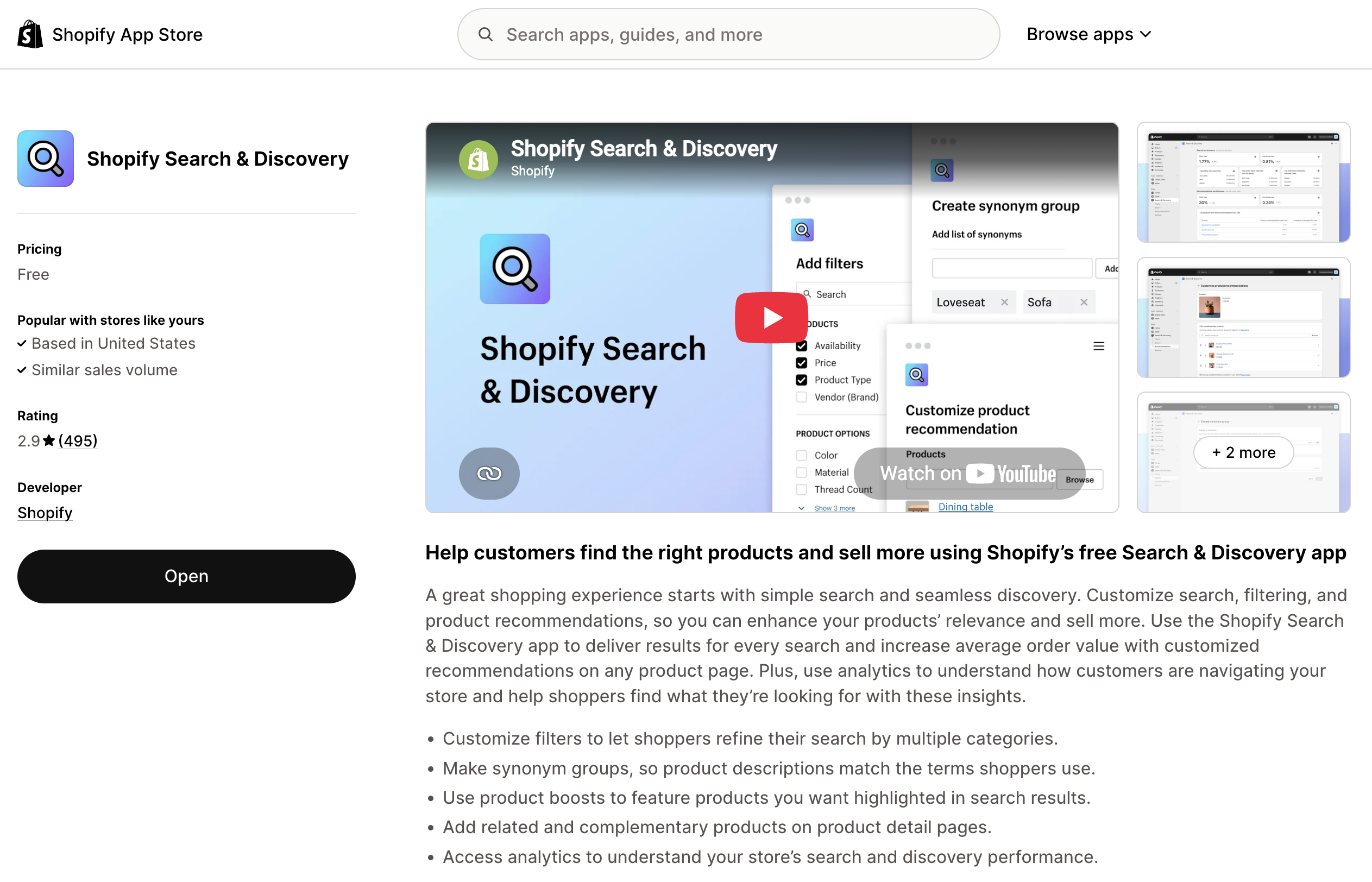
How to set up filters: In your Shopify admin, go to Apps › Search & Discovery › Filters, then click Add filter and choose the source (for example Availability, Price, Product type, or a metafield). Save your changes, and the filters become available to switch on in your Studio dashboard.
Changes apply immediately and don’t require any developer involvement.
4. Use Cases
Here’s how Shopify Search improves the shopping experience:
1. Instant, Predictive Search
As customers type in the search bar, they’ll see instant suggestions — including products, collections, blog posts, and pages. No need to wait or hit “search.”
2. Easy Product Discovery
Customers can filter results by availability, price, brand, category, or other custom options set up in your Shopify store.
3. Real-Time Inventory Visibility
Only products that are in stock (based on Shopify inventory) will appear, helping reduce customer frustration and cart abandonment.
4. Consistent Experience Across App and Website
Because search is powered by your Shopify data, what shoppers see in your app matches what’s shown on your online store.
5. Support for Synonyms and Smart Suggestions
Shopify Search understands different ways customers describe products (like "jacket" vs. "coat"), helping them find what they want even if the wording is different.
6. Seamless Filtering Experience
Filters show up based on your Shopify settings — such as availability, tags, collections, or custom fields (metafields).
5. FAQ
I’ve set up Shopify Search but my filters aren’t showing. What should I check?
Filters only appear in the app once they’re created in your Shopify Search & Discovery app (Apps › Search & Discovery › Filters). If a filter isn’t set up there, it won’t show in the app.
Why are some products missing from search results?
Products need the “Online Store” sales channel enabled in Shopify to appear in the app. Make sure the missing products are published to your Online Store.
Can I include blog posts and pages in search suggestions?
Yes. In your Studio dashboard, enable “articles” and “pages” under search suggestions to include them in predictive results.
How are out-of-stock products handled?
You can control whether unavailable items appear — hide them entirely or show them at the bottom of results. This is set in Shopify search and discovery dashboard settings.
Can discounted prices and product tags from Shopify appear in results?
Yes. Discounted prices and custom tags can show in search results, as long as they’re configured in Shopify and supported by your storefront setup.
How often is product data updated in the app?
In real time. Because the app is connected directly to Shopify, inventory, pricing, descriptions, and filters update as soon as you change them in Shopify.